How does a computer run many programs at the same time?
www.yzokul.com.tr
- Category AI Resources
- Format PDF
- Size 8.4 MB
- Added 01.11.2026
- Views 2
This book answers the question of how a computer can run many programs at the same time, starting from zero for complete beginners. It follows a clear path: the operating system shares processor time among programs, multiple cores allow some parallel tasks, and while one program waits for the disk or network, another can run. This is called multitasking. The reader learns that although many applications appear open at once, resource scheduling constantly limits and organizes everything in the background.
Read the Book
If the PDF does not appear, open it in a new tab.
A Chapter from the Book
How does a computer run many programs at the same time? www.yzokul.com.tr
You may wonder how one computer can run many programs at the same time. The short answer is that the operating system shares the processor's time among programs, and extra cores let some things truly run in parallel. This book explains step by step how that works, starting from zero. You will see that although many applications appear open at once, resource scheduling constantly limits and organizes everything in the background. 1
Picture the processor as a worker who can only do one small task at any single moment. Even when many programs are open, the processor can only work on one instruction at a time. So running many programs means the processor must switch between them very quickly. This switching is the key to understanding multitasking, and it happens so fast that you never notice. 2
The operating system is the main software that manages the computer's hardware and programs. It decides which program gets to use the processor, and for how long. Without it, programs would compete for the processor and could not share it fairly. The operating system is like a scheduler that hands out processor time to each program in turn, keeping everything organized. 3
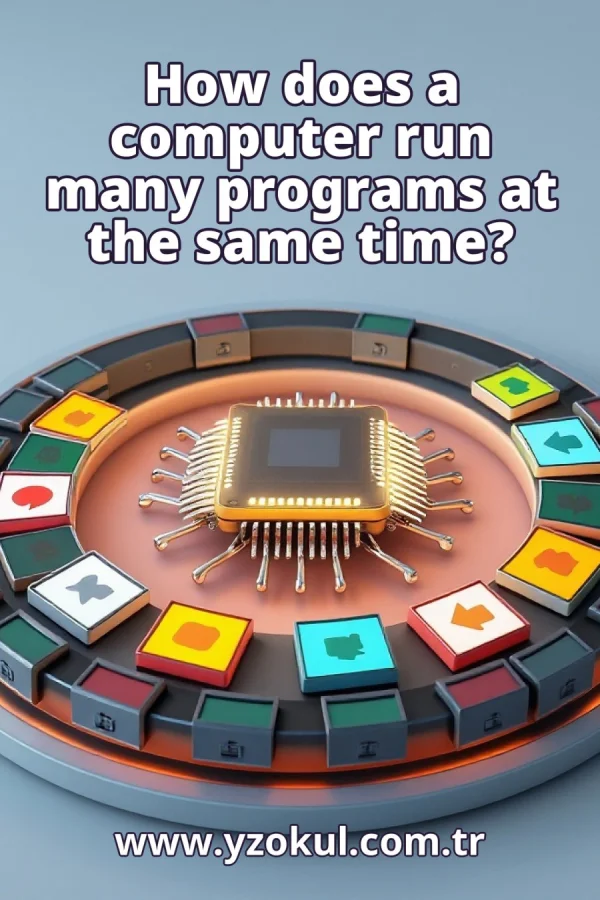
The operating system hands the processor to one program, then takes it back and gives it to another. Each program gets a small slice of processor time, over and over. This is called timesharing, and it lets many programs make progress even though only one runs at any instant. The operating system repeats this cycle constantly, so every program gets its turn. 4
These switches happen many times per second, far faster than a person can notice. To you, it looks like everything runs at once, but in reality the processor is rapidly moving from one program to the next. This fast switching is what makes multitasking feel seamless. You see many windows open, but the processor is just taking turns very quickly. 5
When a program is paused, its place and data are saved so it can continue later exactly where it stopped. This is called saving and restoring progress, and it is how switching does not lose work. The operating system stores the program's state in memory, then reloads it when the program's turn comes again. Without this, every switch would restart the program from the beginning. 6
A processor with several cores is like several workers instead of one. With multiple cores, some tasks can truly run at the same time, not just take turns. Each core can run a different program or part of a program in parallel. This is called parallel tasks, and it speeds up work when programs can be split. More cores mean more true simultaneous work. 7
A program often must wait for a disk or network, which is very slow compared to the processor. During that wait, the processor can run another program instead of sitting idle. The operating system detects the wait and gives the processor to a ready program. This filling of waiting time is a key part of multitasking and keeps the computer busy. 8
The name for this arrangement is multitasking. It combines fast time-sharing, parallel cores, and filling waiting time with other work. The operating system constantly schedules and limits resources so many programs can share one computer. Multitasking is why you can listen to music, browse the web, and type a document all at once without noticing the complex scheduling behind the scenes. 9
Many applications appear open and active at the same time on screen. In the background, the operating system is constantly scheduling and limiting them. It gives each program a turn on the processor and pauses others. This is why you can switch between windows quickly, even though the processor is only working on one thing at a time. The illusion of simultaneity comes from fast scheduling. 10
The operating system also limits memory, disk, and network use, not just processor time. This keeps one program from taking everything and starving the others. Resource scheduling assigns each program a fair share and prevents conflicts. For example, if one program tries to use too much memory, the operating system may slow it down or stop it so other programs can keep running. 11
A common mistake is to think that all programs run at the exact same instant. On a single core they take turns; only multiple cores allow true parallel work. Even with multiple cores, the number of programs is usually larger than the number of cores, so time-sharing still happens. Understanding this helps you see why a computer can seem to do many things at once without infinite power. 12
Another common mistake is to think that opening more programs costs nothing. Each program needs its share of time and memory, so too many at once can slow everything down. The operating system must schedule more tasks and manage more memory, which adds overhead. If you notice your computer slowing, closing unused programs can help it run smoothly again. 13
It is also a mistake to think the processor sits idle while a program waits for the disk or network. Instead, the operating system gives that time to another program. This is why your computer stays responsive even when a large file is downloading or a disk is busy. The processor switches to other tasks, making good use of the waiting time.
This section is a preview taken from the book (about 912 words). To continue, read the book or download the PDF.
Book Details
- Book
- How does a computer run many programs at the same time?
- Author
- www.yzokul.com.tr
- Category
- AI Resources
- Language
- English
- Format
- PDF · 8.4 MB
- Pages
- 18
- Words
- about 1,044
- Published
- kaynak.yzokul.com.tr · 01.11.2026
- Access
- Free to read and download; for personal use only, all rights belong to the author.
Frequently Asked Questions
Is the PDF of How does a computer run many programs at the same time? free?
Yes. How does a computer run many programs at the same time? can be read and downloaded for free on this site; no sign-up or payment is required.
How many pages is How does a computer run many programs at the same time??
How does a computer run many programs at the same time? has 18 pages and about 1,044 words.
Which devices can I read How does a computer run many programs at the same time? on?
It is a PDF; you can read it in your browser on a phone, tablet or computer, or download it and open it offline.
Who is the author of How does a computer run many programs at the same time??
How does a computer run many programs at the same time? was written by www.yzokul.com.tr; it is listed in the AI Resources category.