
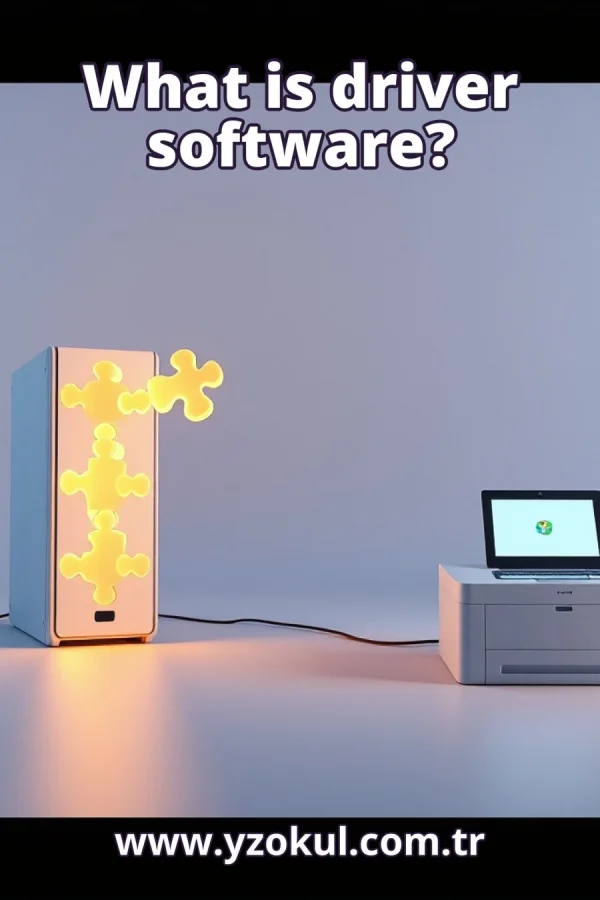
What is driver software?
www.yzokul.com.tr
- Category AI Resources
- Format PDF
- Size 6.6 MB
- Added 01.11.2026
- Views 2
This beginner-friendly answer book explains what driver software is, starting from zero with no prior knowledge assumed. It answers the question of how a computer's operating system talks to hardware such as a printer, describing drivers as the software that enables this hardware communication and translates device commands into a form each device understands. It also explains why different hardware needs different drivers and why a missing or incompatible driver can stop a device from working or make some of its features unusable.
Read the Book
If the PDF does not appear, open it in a new tab.
A Chapter from the Book
What is driver software? www.yzokul.com.tr
You have probably seen the question: what is driver software? The short answer is that a driver is software that lets the operating system talk to one specific piece of hardware. The operating system is the main software that runs your computer, and hardware is any physical device you connect. A driver acts as the go-between for just one device. 1
A computer has two parts that must talk to each other: the operating system and a device. The operating system is the main software that manages everything on the computer. A device is a piece of hardware, such as a printer, a mouse, or a camera. These two parts speak in very different ways, so they cannot understand each other directly. 2
Picture the operating system sending a general instruction, like 'print this page'. The device, however, expects its own special commands, which are precise signals written for that exact model. The words and order the device needs are not the same as the operating system's words. Something must stand between them to bridge that gap, because neither side can change how it speaks. 3
The driver is that translator. It sits in the middle and converts messages both ways. The operating system asks for something, the driver converts that request into the device's own commands, and the device understands and acts. When the device replies, the driver translates back. This two-way translation is the core job of driver software. 4
Follow one print job to see it clearly. The operating system says 'print this page' and passes the page to the driver. The driver turns that general request into the exact commands the printer model understands, including how to lay out the ink on paper. The printer then carries out those commands and produces your page. 5
The driver also arranges the operations in the right order for the device. Some devices must receive steps in a strict sequence, and the driver decides that sequence. It sends the commands in a form and order the device can follow. Without this ordering, the device might receive correct pieces in the wrong order and fail. 6
Every device is different. A printer, a mouse, and a camera each have their own commands and features. A mouse reports movement and clicks, a camera captures images, and a printer puts ink on paper. Because their jobs and signals differ, the instructions each one needs are also different. No single set of commands fits them all. 7
Because devices differ, each one needs a matching driver. One driver cannot serve every device, just as one key cannot open every lock. The driver is written for a specific device or a specific family of devices. This is why installing a new device often means installing its own driver software. 8
A driver also manages the special features of a device. Many printers can print on both sides of a page, a feature called double-sided printing. The driver knows how to switch that feature on and off. It lets the operating system use those features correctly, so you can choose them and get the result you expect. 9
Drivers are software installed on the computer. They sit between the operating system and the device, as part of the system rather than part of the device itself. The device is the physical hardware; the driver is the program that controls it. You usually install a driver once, and it stays on the computer ready to use. 10
With no driver at all, the device may not work. The operating system has no way to talk to it, because it does not know that device's commands. The device may be connected correctly and still do nothing useful. A missing driver is a common reason a new device seems dead when you first plug it in. 11
An incompatible driver can also cause trouble. Incompatible means it does not match the device or the operating system properly. The device may partly work, or some of its features may be unusable. For example, a printer might print but refuse to print on both sides. A wrong driver is a likely cause of strange, partial behaviour. 12
A common mix-up is to confuse the driver with the device. The driver is not the hardware. It is the software that lets the hardware be used. The printer is a physical object you can touch; the driver is a program inside the computer. Keeping these two ideas separate helps you understand what to fix when something fails. 13
Another common mix-up is thinking one driver works for all devices. You cannot use any driver for any device. The driver must match that specific device, and often the specific operating system version too. Using a driver made for different hardware can leave the device partly working or not working at all. 14
This matters in everyday use. If a new device does not work, a missing or wrong driver is a likely reason. Knowing that drivers exist and must match the device helps you understand the fix. You can look for the correct driver from the device maker and install it, instead of assuming the device is broken. 15
To review the whole answer: a driver is translating software between the operating system and one device. It converts general instructions into the exact commands that device understands and arranges them in the right order. Remember two things: different devices need different drivers, and a missing or wrong one stops things working.
This section is a preview taken from the book (about 923 words). To continue, read the book or download the PDF.
Book Details
- Book
- What is driver software?
- Author
- www.yzokul.com.tr
- Category
- AI Resources
- Language
- English
- Format
- PDF · 6.6 MB
- Pages
- 18
- Words
- about 924
- Published
- kaynak.yzokul.com.tr · 01.11.2026
- Access
- Free to read and download; for personal use only, all rights belong to the author.
Frequently Asked Questions
Is the PDF of What is driver software? free?
Yes. What is driver software? can be read and downloaded for free on this site; no sign-up or payment is required.
How many pages is What is driver software??
What is driver software? has 18 pages and about 924 words.
Which devices can I read What is driver software? on?
It is a PDF; you can read it in your browser on a phone, tablet or computer, or download it and open it offline.
Who is the author of What is driver software??
What is driver software? was written by www.yzokul.com.tr; it is listed in the AI Resources category.
Similar Books
 What is simulation?
www.yzokul.com.tr
What is simulation?
www.yzokul.com.tr
 What is the difference between a microcontroller and a normal computer?
www.yzokul.com.tr
What is the difference between a microcontroller and a normal computer?
www.yzokul.com.tr
 What is a microcontroller?
www.yzokul.com.tr
What is a microcontroller?
www.yzokul.com.tr
 How does a program get information from the user?
www.yzokul.com.tr
How does a program get information from the user?
www.yzokul.com.tr
 How does two-step verification work?
www.yzokul.com.tr
How does two-step verification work?
www.yzokul.com.tr
 What is the difference between a hash function and encryption?
www.yzokul.com.tr
What is the difference between a hash function and encryption?
www.yzokul.com.tr