
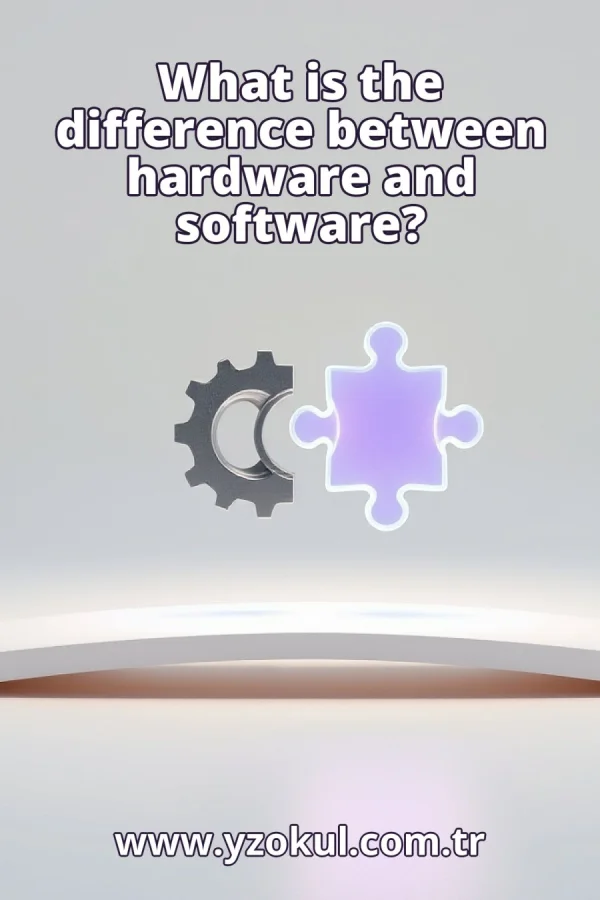
What is the difference between hardware and software?
www.yzokul.com.tr
- Category AI Resources
- Format PDF
- Size 6.7 MB
- Added 01.11.2026
- Views 1
This book answers the question of how hardware and software differ, starting from zero for complete beginners. It follows a simple path: hardware is defined as the physical parts of a computer, such as the processor, screen, and keyboard, while software is defined as programs and data that tell those parts what to do. A music player app versus a speaker illustrates the point. The book then shows how the two work together, noting that even powerful hardware cannot do a task without suitable software.
Read the Book
If the PDF does not appear, open it in a new tab.
A Chapter from the Book
What is the difference between hardware and software? www.yzokul.com.tr
You have probably heard the words hardware and software when people talk about computers. The short answer is that hardware is the physical parts you can touch, and software is the programs and data that tell those parts what to do. This book explains that difference step by step. By the end, you will know exactly what each word means and how they work together. 1
Hardware means the tangible physical parts of a computer. These are the parts you can see and touch with your hands. If you can pick it up or point to it, it is hardware. For example, the screen you are looking at right now is hardware. So is the mouse you might be holding. 2
Look at three common examples of hardware: the processor, the screen, and the keyboard. The processor is the chip inside the computer that does the calculations. The screen shows you pictures and text. The keyboard lets you type letters and numbers. Each one is a real physical object that is part of the computer. 3
Software consists of programs and related data. A program is a set of instructions that tells the computer what to do. Software is not a physical object you can hold; it is instructions that live on the computer. For example, the web browser you use to read this is software. You cannot touch it, but it is there. 4
Software determines which operations the hardware will perform. Without these instructions, the physical parts would not know what to do. Think of hardware as a machine that is ready to work, and software as the set of orders that tells it what job to do next. The hardware waits for the software to give it a task. 5
A music player application is a clear example of software. It is a program that tells the computer how to play your music. When you press play, the app reads the music file and sends the right instructions to the computer's parts. The app itself is not a physical thing; it is code and data stored on the computer. 6
The speaker that produces the sound is an example of hardware. It is the physical part that actually makes the noise you hear. When the software tells the computer to play sound, the speaker vibrates and creates the sound waves. Without the speaker, you would not hear anything, no matter what the software does. 7
Compare the music player app with the speaker side by side. The app is software: it is a program that holds the instructions for playing music. The speaker is hardware: it is a physical object that turns electrical signals into sound. This one example shows the difference clearly: one is instructions, the other is a thing you can touch. 8
A single activity, like playing music, uses both hardware and software. The software tells the computer what to play and how, and the hardware produces the sound you hear. The two are different, but they belong to the same task. You cannot play music with only one of them. Both are needed for the activity to happen. 9
Hardware and software work together as a team. The software gives the orders, and the hardware carries them out. For example, when you click play in a music app, the software sends a signal to the hardware to start the music. The hardware then does the physical work of making sound. Each depends on the other to get the job done. 10
Powerful hardware cannot perform the desired task without suitable software. Imagine a very fast computer with a great processor and a high-quality speaker, but no programs installed. It cannot play your music because there is no software to tell it what to do. The hardware is ready, but it needs instructions to actually do anything useful. 11
Software needs hardware too. A music app with no speaker and no screen cannot reach you. The app may have all the instructions to play music, but without hardware to produce sound and show images, it cannot do its job. Software is useless without hardware to run on and to interact with you. 12
A common mistake is to think that hardware and software are rivals, where one is better than the other. They are not competitors. They are two different parts of one working system. You need both for the computer to do anything. Neither is more important; they simply have different roles. 13
Another common mistake is to think that software is a physical object you can pick up. Only hardware is tangible. Software is programs and data, which are patterns of information stored on the hardware. You cannot hold software in your hand, but you can store it on a disk or in memory. It is real, but not physical in the same way. 14
A third mistake is to think that one side can work alone. Neither powerful hardware without software nor software without hardware can complete a task. Hardware without software is like a car without a driver: it has the parts but does not know where to go. Software without hardware is like a set of instructions with no one to follow them. Both are needed. 15
To sum up: hardware is the physical parts of a computer, and software is the programs and data that direct them. Remember that the two work together, and neither can do the task alone. When you use a computer, you are using both at the same time. That is the key difference and the key connection.
This section is a preview taken from the book (about 943 words). To continue, read the book or download the PDF.
Book Details
- Book
- What is the difference between hardware and software?
- Author
- www.yzokul.com.tr
- Category
- AI Resources
- Language
- English
- Format
- PDF · 6.7 MB
- Pages
- 18
- Words
- about 944
- Published
- kaynak.yzokul.com.tr · 01.11.2026
- Access
- Free to read and download; for personal use only, all rights belong to the author.
Frequently Asked Questions
Is the PDF of What is the difference between hardware and software? free?
Yes. What is the difference between hardware and software? can be read and downloaded for free on this site; no sign-up or payment is required.
How many pages is What is the difference between hardware and software??
What is the difference between hardware and software? has 18 pages and about 944 words.
Which devices can I read What is the difference between hardware and software? on?
It is a PDF; you can read it in your browser on a phone, tablet or computer, or download it and open it offline.
Who is the author of What is the difference between hardware and software??
What is the difference between hardware and software? was written by www.yzokul.com.tr; it is listed in the AI Resources category.
Similar Books
 What is simulation?
www.yzokul.com.tr
What is simulation?
www.yzokul.com.tr
 What is the difference between a microcontroller and a normal computer?
www.yzokul.com.tr
What is the difference between a microcontroller and a normal computer?
www.yzokul.com.tr
 What is a microcontroller?
www.yzokul.com.tr
What is a microcontroller?
www.yzokul.com.tr
 How does a program get information from the user?
www.yzokul.com.tr
How does a program get information from the user?
www.yzokul.com.tr
 How does two-step verification work?
www.yzokul.com.tr
How does two-step verification work?
www.yzokul.com.tr
 What is the difference between a hash function and encryption?
www.yzokul.com.tr
What is the difference between a hash function and encryption?
www.yzokul.com.tr