
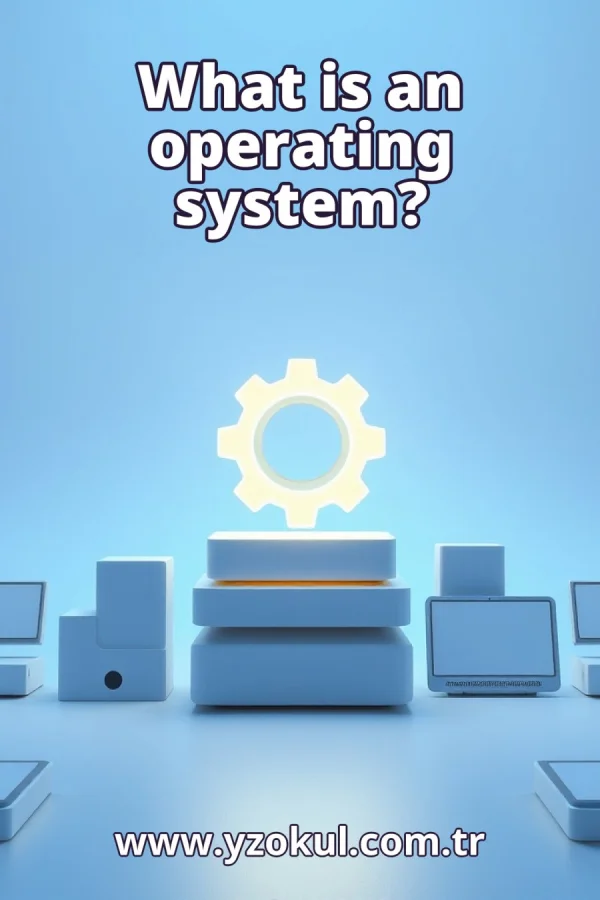
What is an operating system?
www.yzokul.com.tr
- Category AI Resources
- Format PDF
- Size 7.8 MB
- Added 01.11.2026
- Views 2
This book answers the question of what an operating system is for complete beginners. It follows a clear path: first explaining that an operating system is software that manages hardware resources and provides basic services so applications can run. Then it shows how the system organizes memory, files, processor time, and device access, using the example of an application opening a file. Finally, it explains that the desktop users see is only one part, since much resource management happens in the background.
Read the Book
If the PDF does not appear, open it in a new tab.
A Chapter from the Book
What is an operating system? www.yzokul.com.tr
What is an operating system? The short answer is that it is software. It manages the computer's hardware and provides basic services so applications can run. Hardware includes the physical parts like the screen and chips. Software is the set of instructions that tells the hardware what to do. The operating system is a special kind of software that sits between applications and hardware. 1
A computer has two main sides: hardware and software. Hardware is everything you can touch, such as the screen, keyboard, and the chips inside. Software is not physical; it is instructions that tell the hardware what to do. An operating system belongs to the software side. It is not a part you can hold, but it is essential for the computer to work. 2
Software is a set of instructions that the computer follows. It is not a physical thing you can touch. Programs need something to run them and to share the machine's parts. Without software, hardware would not know what to do. The operating system is the software that makes this sharing possible. It lets many programs use the computer together. 3
Think of the operating system as a manager. A manager does not do the work itself but organizes who does what and when. The operating system decides which program gets to use which part of the computer and for how long. It keeps things running smoothly so that programs do not interfere with each other. This manager role is central to what an operating system is. 4
Memory is the computer's working space. It holds the programs and data that are currently in use. The operating system decides which program gets which part of memory. It keeps programs from stepping on each other's space. For example, when you open two programs, the operating system gives each its own area in memory so they do not overwrite each other's data. 5
Files are stored information, like documents, photos, or music. The operating system keeps track of where each file lives on the storage device. It organizes storage so you can save and find things easily. When you save a file, the operating system records its location and makes it available later. Without this file management, finding your data would be very hard. 6
The processor is the part that does the computing work. It executes instructions one after another very quickly. The operating system shares the processor's time among programs. Each program gets a turn, so many programs can seem to run at once. This is called multitasking. The operating system switches between programs so quickly that you do not notice. 7
Devices like screens, keyboards, and printers must be shared among programs. The operating system controls who uses each device and when. For example, if two programs want to print, the operating system decides the order. It also handles the details of sending data to the device. This management ensures devices work correctly and fairly. 8
Beyond managing resources, the operating system offers ready-made services. These services save applications from handling every detail themselves. For example, an application can ask the operating system to display a window or save a file. The operating system provides the tools, so programmers do not have to write code for every basic task. This makes building applications easier. 9
Imagine an application wants to open a file. The application does not reach the storage directly. Instead, it asks the operating system to open the file. The operating system checks permissions, finds the file, and makes it available. The application then receives the file's content through the operating system. This shows the operating system as a middle layer. 10
The request to open a file follows a clear path. First, the application sends a request to the operating system. The operating system locates the file on the storage device. Then it reads the file's data and passes it back to the application. The application never touches the hardware directly. The operating system handles everything in between, keeping the process safe and organized. 11
The desktop and windows you see are only one visible part of the operating system. This graphical interface lets you interact with the computer using icons and menus. But the operating system is much more than that. The picture on screen is just the surface. Underneath, the operating system is busy managing resources and services. 12
Much of the operating system's work happens quietly in the background. While you click and type, it manages memory, shares processor time, and controls devices. You do not notice these operations because they run automatically. The operating system ensures everything runs smoothly without your intervention. This background work is essential for a good user experience. 13
A common beginner mistake is thinking the operating system is just the desktop or the look of the screen. The visible part is only a small piece of the whole system. The operating system includes all the background management of memory, files, processor time, and devices. Focusing only on the screen misses the bigger picture of what the operating system does. 14
Another common mistake is thinking the operating system is the same as the applications you use. Applications like web browsers or word processors run on top of the operating system. The operating system manages the resources beneath them. It provides the services that applications need. Without the operating system, applications could not run or share the computer's hardware.
This section is a preview taken from the book (about 915 words). To continue, read the book or download the PDF.
Book Details
- Book
- What is an operating system?
- Author
- www.yzokul.com.tr
- Category
- AI Resources
- Language
- English
- Format
- PDF · 7.8 MB
- Pages
- 18
- Words
- about 977
- Published
- kaynak.yzokul.com.tr · 01.11.2026
- Access
- Free to read and download; for personal use only, all rights belong to the author.
Frequently Asked Questions
Is the PDF of What is an operating system? free?
Yes. What is an operating system? can be read and downloaded for free on this site; no sign-up or payment is required.
How many pages is What is an operating system??
What is an operating system? has 18 pages and about 977 words.
Which devices can I read What is an operating system? on?
It is a PDF; you can read it in your browser on a phone, tablet or computer, or download it and open it offline.
Who is the author of What is an operating system??
What is an operating system? was written by www.yzokul.com.tr; it is listed in the AI Resources category.
Similar Books
 What is artificial intelligence?
www.yzokul.com.tr
What is artificial intelligence?
www.yzokul.com.tr
 How does an app idea turn into a working program?
www.yzokul.com.tr
How does an app idea turn into a working program?
www.yzokul.com.tr
 How does a three-dimensional printer produce a model?
www.yzokul.com.tr
How does a three-dimensional printer produce a model?
www.yzokul.com.tr
 What is simulation?
www.yzokul.com.tr
What is simulation?
www.yzokul.com.tr
 What is the difference between a microcontroller and a normal computer?
www.yzokul.com.tr
What is the difference between a microcontroller and a normal computer?
www.yzokul.com.tr
 What is a microcontroller?
www.yzokul.com.tr
What is a microcontroller?
www.yzokul.com.tr