
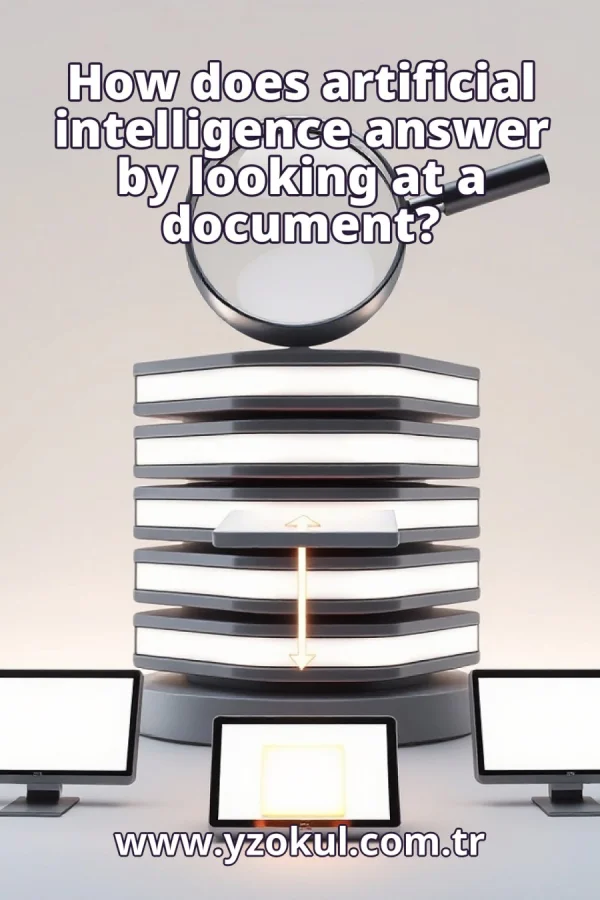
How does artificial intelligence answer by looking at a document?
www.yzokul.com.tr
- Category AI Resources
- Format PDF
- Size 6.9 MB
- Added 01.11.2026
- Views 2
This beginner-friendly book explains how artificial intelligence answers a question by looking at a document. It follows a simple path: the system first finds the relevant text in the document, then gives that text and the question to the model, which forms its answer from it. Using school regulations as an example, the book shows how permission clauses can be located to answer a specific question. It also explains that finding the right text and interpreting it correctly are separate steps, so a wrong section or misreading can produce an inaccurate answer.
Read the Book
If the PDF does not appear, open it in a new tab.
A Chapter from the Book
How does artificial intelligence answer by looking at a document? www.yzokul.com.tr
You ask: how does artificial intelligence answer by looking at a document? The short answer: the system finds the relevant text inside the document, then the model reads that text and forms the answer. The model does not see the whole document, only the pieces given to it. This book explains each part step by step. 1
An AI model cannot open a document by itself. It has no eyes or hands to browse files. Something else in the system must first pick out the text it needs. That helper searches the document and selects the useful parts. Only then can the model work with the text. This is why the process has more than one part. 2
There are two separate jobs: finding the right text, and understanding it. Different parts of the system do these jobs. One part searches the document; another part, the model, reads what is found. Keeping these jobs separate helps you see where mistakes can happen. Both jobs must succeed for a good answer. 3
Job one: find the text. The system searches the document for parts that match the question. It acts like a helper who marks the useful paragraphs with a highlighter. This search is called document search or retrieval. The result is a short list of text pieces that seem relevant to the question. The system does not yet understand them; it just locates them. 4
Job two: give the text to the model. The found text is handed to the model together with the question. The model only sees what it is given, not the rest of the document. This means the quality of the answer depends on the quality of the found text. If the text is incomplete or off-topic, the model has less to work with. The model cannot ask for more. 5
The model forms the answer. It reads the given text and writes an answer based on it. It does not look at the rest of the document. The model uses patterns it learned from many texts to interpret the words. It produces an answer that fits the question and the provided text. The answer is only as good as the text it received. 6
Picture a school regulations document. You ask a question like: may I leave early? The system looks for permission clauses in the document. Permission clauses are sentences that say what is allowed. The system does not read the whole document at once; it searches for parts that match your question. Those parts will be used to answer you. 7
The system locates the clause about leaving early. That clause is the piece of text that gets passed on. For example, it might find a sentence like: students may leave early with a teacher's permission. This clause is now the relevant text. The system does not judge if it is correct; it just finds it. The next job is to read it. 8
The model receives the clause and the question together. From that text alone, it prepares the answer. It might say: yes, you may leave early if you have a teacher's permission. The model does not see other clauses unless they were also found. Its answer is based only on what it was given. This is how the answer is formed from the document. 9
Finding can go wrong. The search may pick an irrelevant section. For example, it might find a clause about lunch breaks instead of leaving early. If the wrong text is chosen, the answer can be wrong even if the model reads well. The model cannot know it received the wrong text. It will try to answer from what it has. 10
Reading can go wrong. The model may misread the text it was given. A correct section can still lead to a wrong answer. For example, it might miss the word not in a sentence and give the opposite meaning. The model does not check the original document; it only sees the provided text. A small misreading can change the answer completely. 11
A bad find and a bad reading are separate problems. Either one alone is enough to spoil the answer. If the find is bad, the model works with wrong text. If the reading is bad, the model works with right text but interprets it wrongly. Both jobs must be correct for the answer to be accurate. You cannot tell from the answer alone which job failed. 12
A confident answer is not proof of a correct one. The answer is only as good as the text found and how it was read. The model can sound sure even when it is wrong. This matters because you might trust an answer that is based on a wrong section. Always remember that confidence does not guarantee accuracy. The system does not check its own work. 13
A simple habit: check the source text. Look at which part of the document was used. If that part is irrelevant, doubt the answer. For example, if the answer about leaving early cites a clause about lunch, you know the find was wrong. You can then ask again or search yourself. This check helps you catch finding errors. 14
Compare the answer with the original clause. If the answer adds or twists something, the model misread it. For example, if the clause says with permission and the answer says without permission, the reading is wrong. Reading the original text yourself is the best way to verify. This check helps you catch reading errors. It takes little time and prevents mistakes.
This section is a preview taken from the book (about 943 words). To continue, read the book or download the PDF.
Book Details
- Book
- How does artificial intelligence answer by looking at a document?
- Author
- www.yzokul.com.tr
- Category
- AI Resources
- Language
- English
- Format
- PDF · 6.9 MB
- Pages
- 18
- Words
- about 1,003
- Published
- kaynak.yzokul.com.tr · 01.11.2026
- Access
- Free to read and download; for personal use only, all rights belong to the author.
Frequently Asked Questions
Is the PDF of How does artificial intelligence answer by looking at a document? free?
Yes. How does artificial intelligence answer by looking at a document? can be read and downloaded for free on this site; no sign-up or payment is required.
How many pages is How does artificial intelligence answer by looking at a document??
How does artificial intelligence answer by looking at a document? has 18 pages and about 1,003 words.
Which devices can I read How does artificial intelligence answer by looking at a document? on?
It is a PDF; you can read it in your browser on a phone, tablet or computer, or download it and open it offline.
Who is the author of How does artificial intelligence answer by looking at a document??
How does artificial intelligence answer by looking at a document? was written by www.yzokul.com.tr; it is listed in the AI Resources category.
Similar Books
 What is artificial intelligence?
www.yzokul.com.tr
What is artificial intelligence?
www.yzokul.com.tr
 How does an app idea turn into a working program?
www.yzokul.com.tr
How does an app idea turn into a working program?
www.yzokul.com.tr
 What is the difference between virtual reality and augmented reality?
www.yzokul.com.tr
What is the difference between virtual reality and augmented reality?
www.yzokul.com.tr
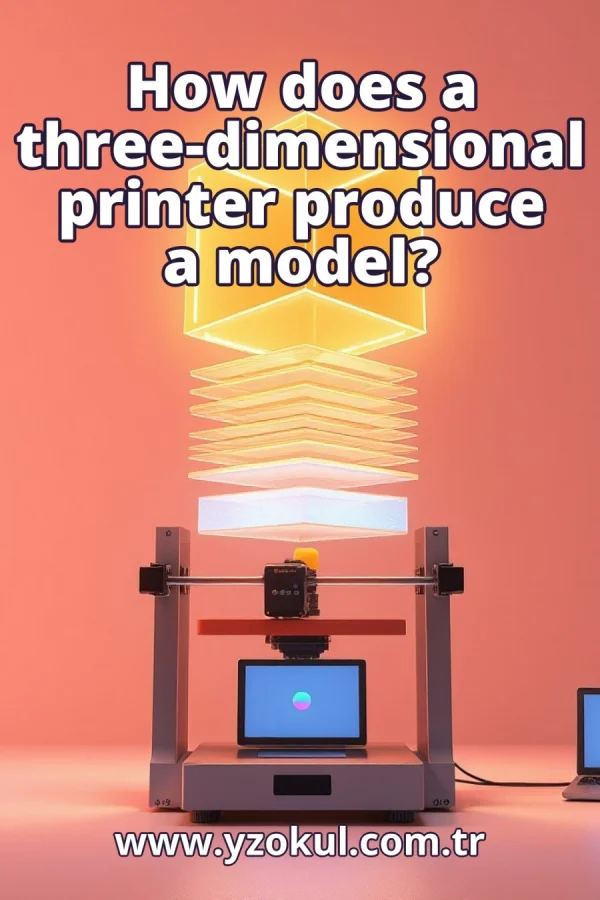 How does a three-dimensional printer produce a model?
www.yzokul.com.tr
How does a three-dimensional printer produce a model?
www.yzokul.com.tr
 What is the Internet of Things?
www.yzokul.com.tr
What is the Internet of Things?
www.yzokul.com.tr
 What is simulation?
www.yzokul.com.tr
What is simulation?
www.yzokul.com.tr