
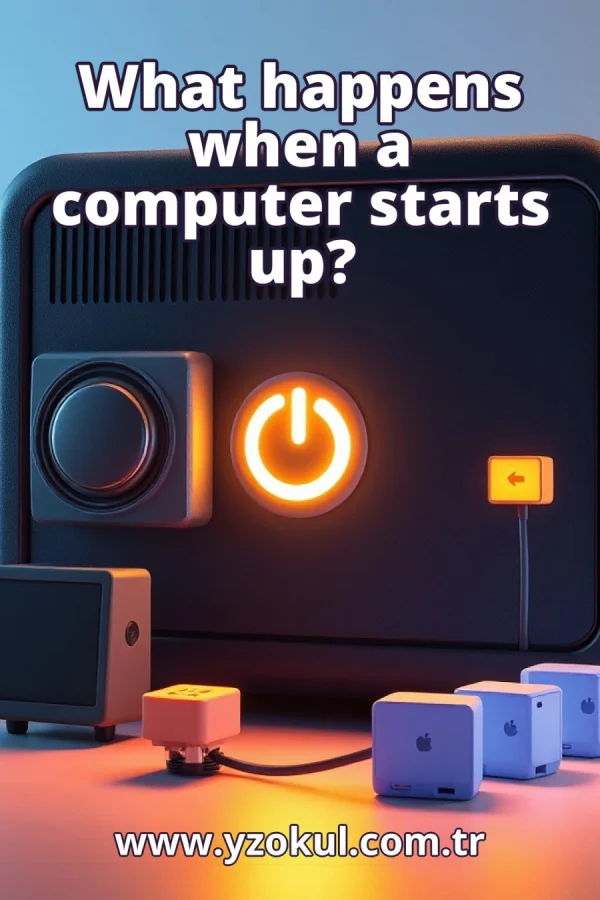
What happens when a computer starts up?
www.yzokul.com.tr
- Category AI Resources
- Format PDF
- Size 8.0 MB
- Added 01.11.2026
- Views 2
This book answers the question of what happens when a computer starts up, explained for complete beginners with no prior knowledge. It follows the full boot process step by step: power is supplied and the hardware prepares its basic components, then the operating system loads from storage, next the necessary drivers and services run, and finally the user login screen or working environment appears. It notes that details vary between devices, but the goal is always to turn the hardware into a usable software environment.
Read the Book
If the PDF does not appear, open it in a new tab.
A Chapter from the Book
What happens when a computer starts up? www.yzokul.com.tr
When you press the power button on a computer, a sequence of events begins that turns a silent machine into a usable tool. The short answer is that the hardware wakes up, the operating system loads, and a usable screen appears. This book explains each part of that sequence in order, from the first flow of electricity to the moment you can start working. By the end, you will understand the whole startup process. 1
A computer is a machine made of physical parts, such as the screen, keyboard, and the parts inside the case. These physical parts are called hardware. Hardware alone cannot do anything useful; it needs software, which is a set of instructions that tells the hardware what to do. Software includes the operating system and the programs you run. Startup is the process that brings the hardware and software together. 2
Startup begins when you press the power button. This action closes a circuit and allows electricity to flow into the computer's parts. The flow of electricity brings the hardware to life, but at this moment nothing appears on the screen. The power supply converts electricity from the wall outlet into the voltages the computer needs. This is the very first moment of startup, before any software runs. 3
As electricity flows, the hardware begins to check and prepare its basic components. The processor, which is the main chip that executes instructions, starts up. The memory, which is the temporary working space for data, is tested and cleared. Other essential parts are also checked. This preparation happens automatically, before the operating system is involved, and ensures the machine is ready for the next stage. 4
A small startup program is built into the hardware itself, stored on a chip on the main circuit board. This program is often called the firmware or BIOS (Basic Input/Output System) or UEFI (Unified Extensible Firmware Interface). It runs first when the computer powers on. Its job is to get the machine ready to load the operating system. It checks that basic hardware is working and then looks for the operating system. 5
The startup software needs to find the operating system. It looks on the storage medium, which is the device where files are kept even when the power is off, such as a hard disk or solid-state drive. The startup software checks connected storage devices in a set order until it finds one that contains a bootable operating system. This search ensures the computer knows where to load the operating system from. 6
Once the operating system is found, it is copied from storage into the computer's working memory. Working memory, or RAM, is fast temporary storage that the processor can access quickly. Loading means reading the operating system files from storage and placing them into memory. From this point, the operating system takes charge of the machine and begins to manage the hardware and run other programs. 7
The operating system is the main software that manages the hardware and runs other programs. It acts as a layer between you and the physical parts, so you do not have to control each component directly. It handles tasks like managing memory, coordinating the processor, and providing a way for programs to interact with hardware. During startup, the operating system initializes and prepares to run applications. 8
Drivers are small pieces of software that let the operating system communicate with each hardware part, such as the graphics card, sound card, or network adapter. During startup, the operating system loads and runs the drivers it needs for the detected hardware. This allows the operating system to use each part correctly. Without drivers, the hardware would not function properly under the operating system's control. 9
Services are programs that run quietly in the background without you opening them. They start automatically during startup so the system works properly. Services handle tasks like managing network connections, scheduling tasks, and providing system security. They run without user interaction and are essential for the operating system to function fully. Many services start before you even see the login screen. 10
After the operating system and its services have started, the startup process finishes by showing the login screen or working environment. This is the moment when the hardware has become a usable software environment. You may see a screen asking for your username and password, or you may go straight to a desktop if no login is required. This signals that the computer is ready for you to use. 11
After you log in, your own desktop and programs become available. The operating system loads your personal settings and starts the programs that are set to run at login. You can now open applications, access your files, and use the computer for your tasks. The computer is fully started and ready for you to work. This completes the startup sequence from your perspective. 12
The details of startup can differ between devices. A phone, a laptop, and a desktop computer may show different screens and take different amounts of time to start. Some devices may skip certain steps or perform them differently. However, the overall goal of startup is the same on every device: to turn the hardware into a usable software environment. The basic sequence of power, hardware preparation, operating system loading, and user interface remains similar.
This section is a preview taken from the book (about 901 words). To continue, read the book or download the PDF.
Book Details
- Book
- What happens when a computer starts up?
- Author
- www.yzokul.com.tr
- Category
- AI Resources
- Language
- English
- Format
- PDF · 8.0 MB
- Pages
- 18
- Words
- about 1,128
- Published
- kaynak.yzokul.com.tr · 01.11.2026
- Access
- Free to read and download; for personal use only, all rights belong to the author.
Frequently Asked Questions
Is the PDF of What happens when a computer starts up? free?
Yes. What happens when a computer starts up? can be read and downloaded for free on this site; no sign-up or payment is required.
How many pages is What happens when a computer starts up??
What happens when a computer starts up? has 18 pages and about 1,128 words.
Which devices can I read What happens when a computer starts up? on?
It is a PDF; you can read it in your browser on a phone, tablet or computer, or download it and open it offline.
Who is the author of What happens when a computer starts up??
What happens when a computer starts up? was written by www.yzokul.com.tr; it is listed in the AI Resources category.
Similar Books
 What is artificial intelligence?
www.yzokul.com.tr
What is artificial intelligence?
www.yzokul.com.tr
 How does an app idea turn into a working program?
www.yzokul.com.tr
How does an app idea turn into a working program?
www.yzokul.com.tr
 What is the difference between virtual reality and augmented reality?
www.yzokul.com.tr
What is the difference between virtual reality and augmented reality?
www.yzokul.com.tr
 How does a three-dimensional printer produce a model?
www.yzokul.com.tr
How does a three-dimensional printer produce a model?
www.yzokul.com.tr
 What is simulation?
www.yzokul.com.tr
What is simulation?
www.yzokul.com.tr
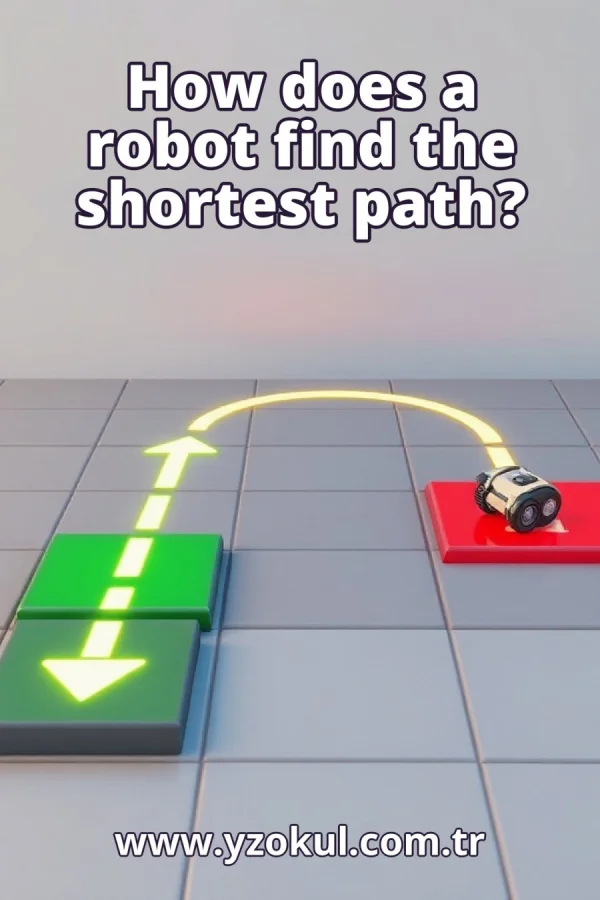 How does a robot find the shortest path?
www.yzokul.com.tr
How does a robot find the shortest path?
www.yzokul.com.tr